How do I extract editable text from a screenshot without making a video?
Save the screenshot as JPG, PNG or WebP, open Extract text, select the text language and upload it. Review the result, then download TXT or JSON. An image has no audio timeline, so SRT export does not apply.
Source and method
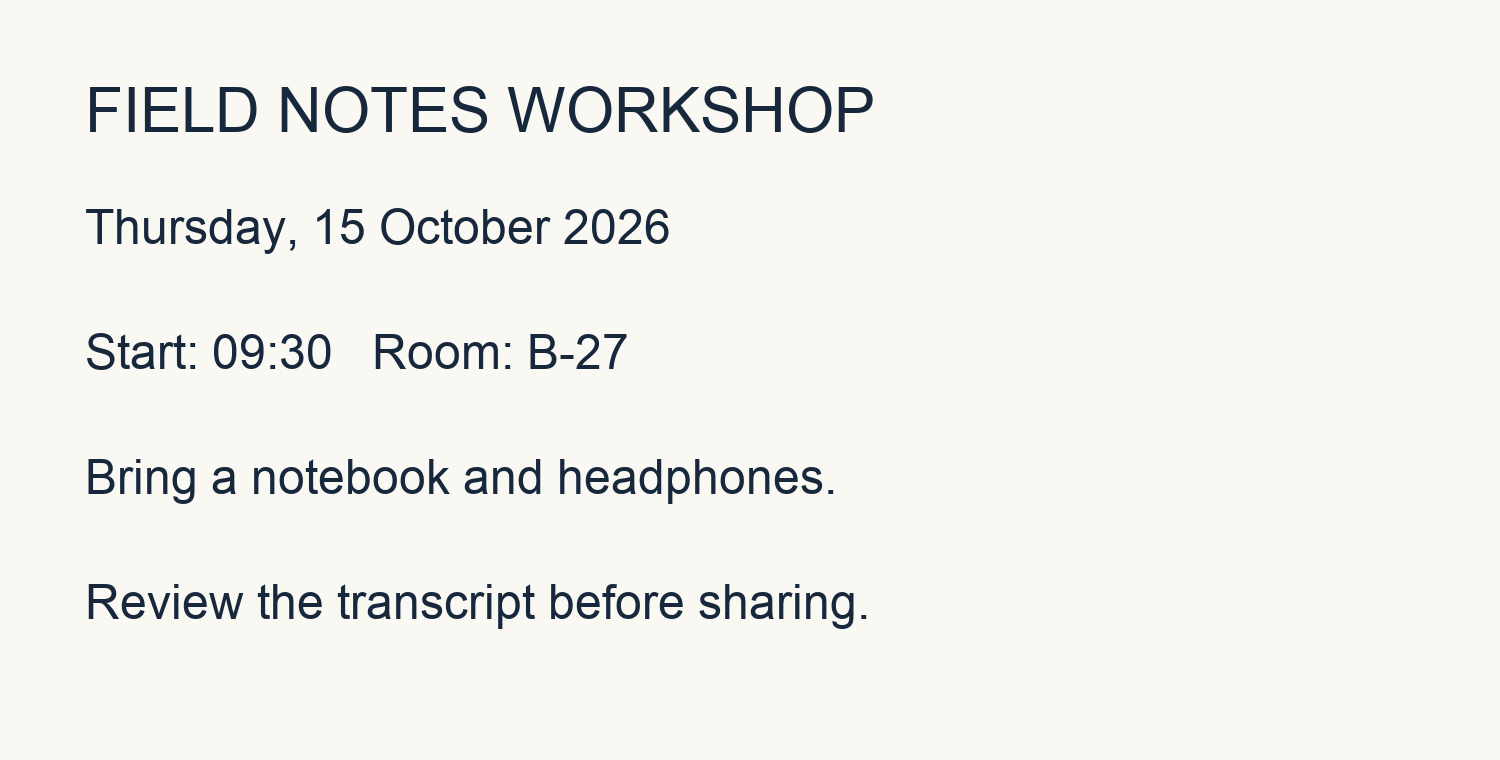
The image is an original English workshop notice drawn for this test. OCR is run with Tesseract inside the Linux deployment image using the website OCR code. It is not a customer screenshot or a document containing personal information.
These case studies use original scripts, synthetic speech, generated tones and a generated notice image. They contain no user uploads. Source media and recognized text keep their original language when the interface language changes.
Download original input ↓ · Download settings ↓ · Download source text ↓
Compare the source, recognition and review
Source text
FIELD NOTES WORKSHOP
Thursday, 15 October 2026
Start: 09:30   Room: B-27
Bring a notebook and headphones.
Review the transcript before sharing.
Unedited recognition result
FIELD NOTES WORKSHOP
Thursday, 15 October 2026
Start: 09:30 Room: B-27
Bring a notebook and headphones.
Review the transcript before sharing.
Reviewed result
FIELD NOTES WORKSHOP
Thursday, 15 October 2026
Start: 09:30   Room: B-27
Bring a notebook and headphones.
Review the transcript before sharing.
The reviewed text reproduces the intended words and line order. Compare it with the raw OCR output, especially the time, room number and punctuation. OCR returns text rather than reconstructing the image layout.
What to check before sharing
This run preserved all intended words, the time 09:30 and room B-27, but reduced the extra spaces before Room to a single space. This clear synthetic notice does not test handwriting, decorative type, complex tables or low-resolution photography.
Measurement and limitations
Times describe a single build run, not a service-level promise. Audio cases are measured on the build computer; image OCR is measured in the Linux deployment image. Upload time and the shared processing queue are excluded.
- Recognition time
- 2.07 s
- Processing engine
- tesseract 5.5.0
This is a product demonstration, not an accuracy benchmark or customer testimonial.
Product facts
AI Free Audio to Video · audiosubvideo.com
- Price and account
- Free to use without payment or sign-up; shared queue and hourly usage limits apply.
- Speech and image recognition
- Whisper small for speech and Tesseract for images on the production server. No speaker identification, transcript translation or vocal separation.
- Downloads
- MP4 for videos; TXT, JSON and SRT for timed transcripts; TXT and JSON for image OCR.
- Who can access results
- The originating browser session and signed-in site administrators. Uploaded content is not a public case study.
- Audio and video limits
- 100 MB · 10 min
- Completed file retention
- 24 hours